📢 This forum is no longer actively updated, but we've kept it online as a resource — there's a lot of helpful history here! For new discussions, come join us on
discord!
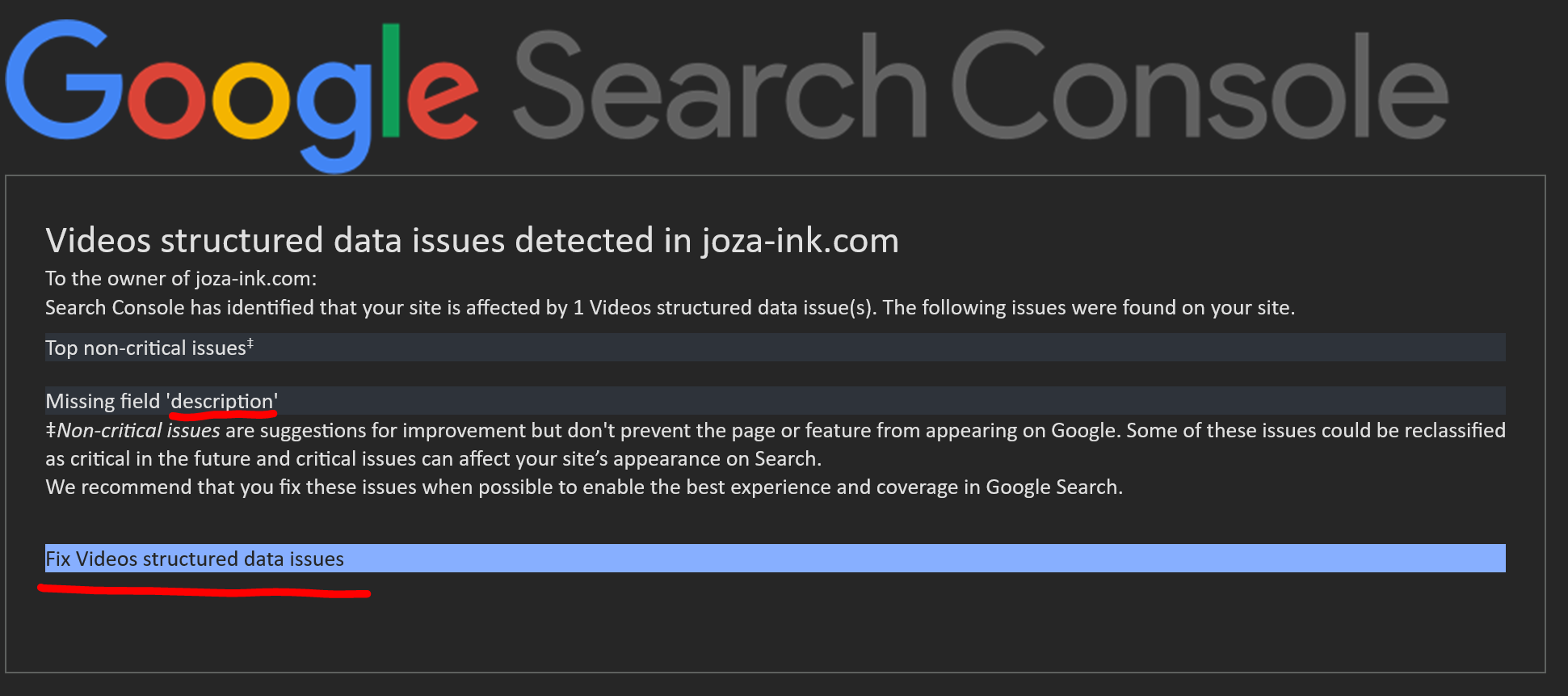
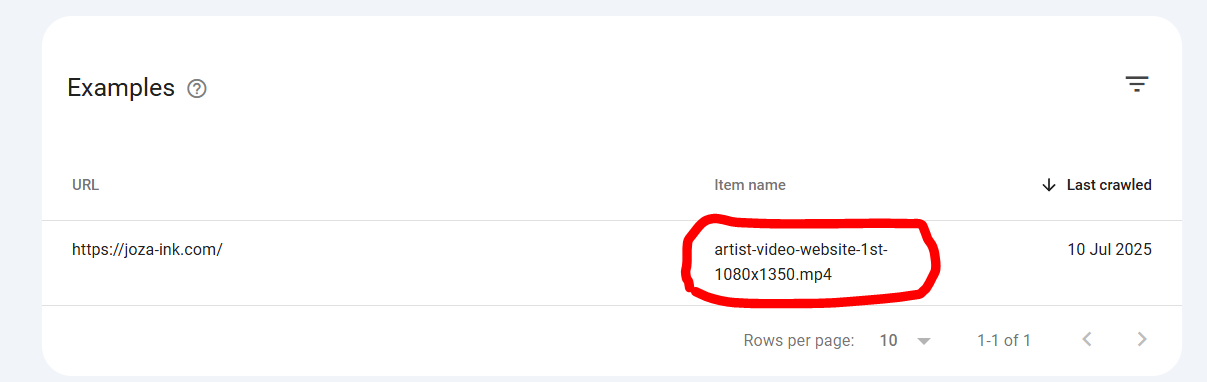
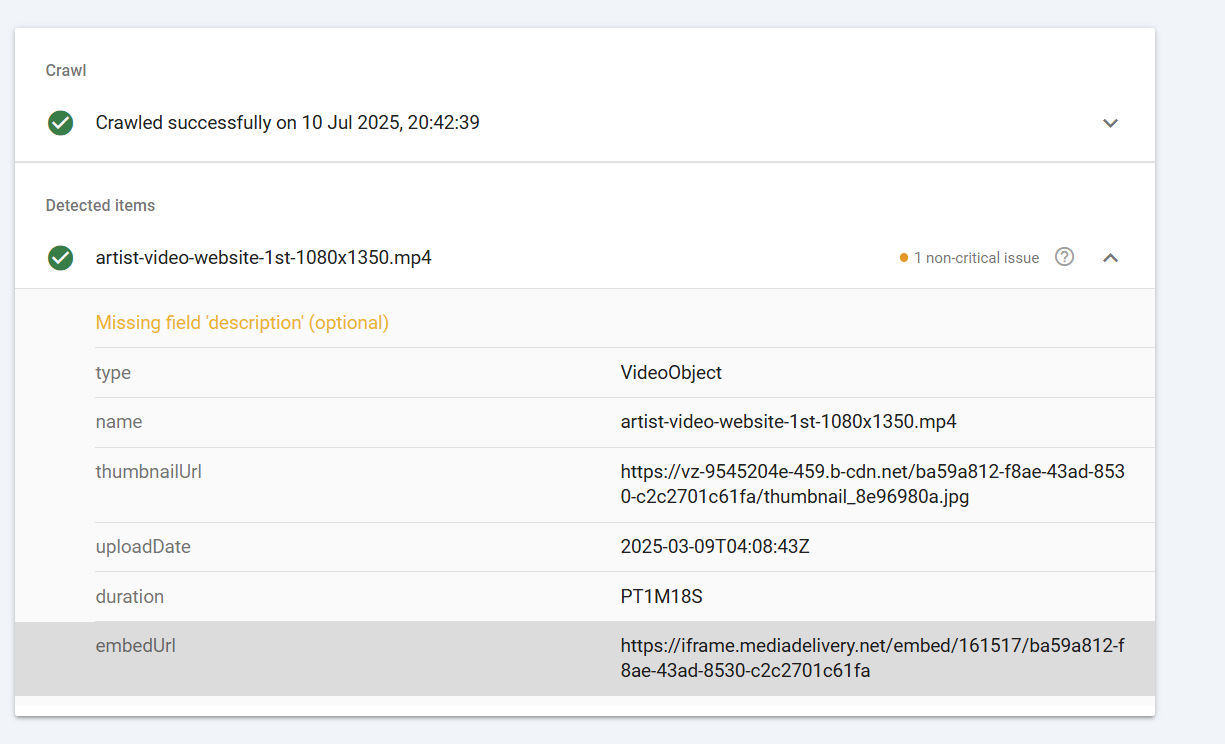
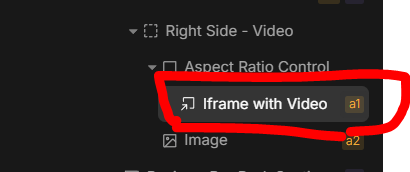
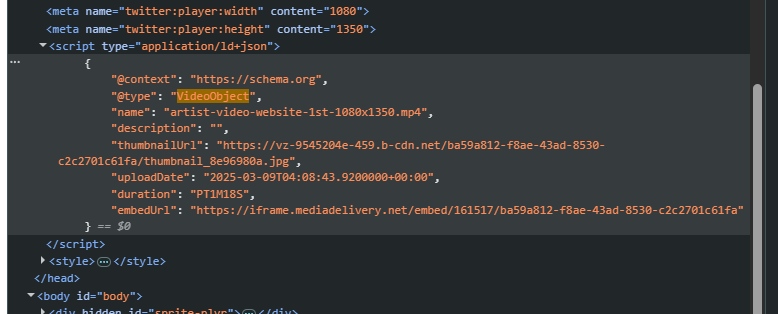
That ‘Structured Content’ is coming from Iframe. So it can’t be changed from Divhunts side.
Inside of that iframe you can find this, but I am not sure if you can’t edit it.
Anyway, it’s just a warning, not an error, so it will not have any impact on SEO as of my knowledge
Thank you very much, that pointed me in the right direction. I was able to add to the description via the CDN, I thought this was something that I was supposed to do on the site itself.
Since we are on the topic, is there a way to add custom metadata in general, to other html elements in Divhunt? Like for a regular mp4 video that is not in an iFrame, or any other element, if need be?
I’m not a Divhunt dev, but when alt text gets added to an image, within the element’s attributes (Advance>Attributes), a line gets added with the key=alt and then whatever description you want. Is that helpful?
Yes it is, thank you! I extrapolate from that that whenever I want to add a meta tag / data attribute to any element that I can do that there. Appreciate the help @Marc.