Hi, I am trying to update some page’s SEO descriptions and the robots meta content value to “index, follow” but even after saving and re-publishing, the updates do not propagate. When I re-open the site’s settings the values I expect are in this settings pane, but what the browser sees is still <meta name="robots" content="none"> for example
Is that only while you are logged in, or also in incognito?
And its best to check this type of tags in Google Search Console, since we are using pre-render, search engines should be getting always correct information
Ah I see!
Incognito worked as expected 
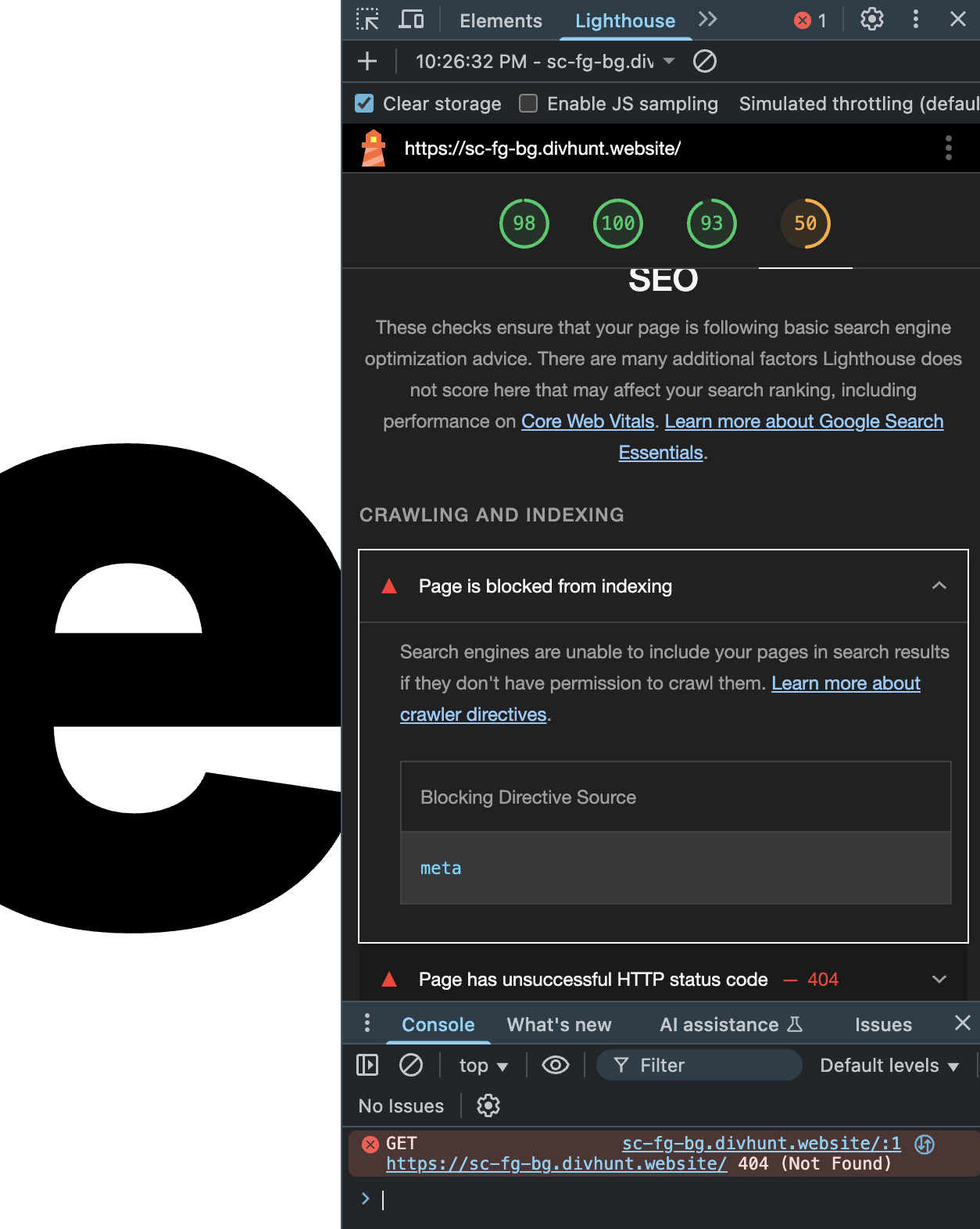
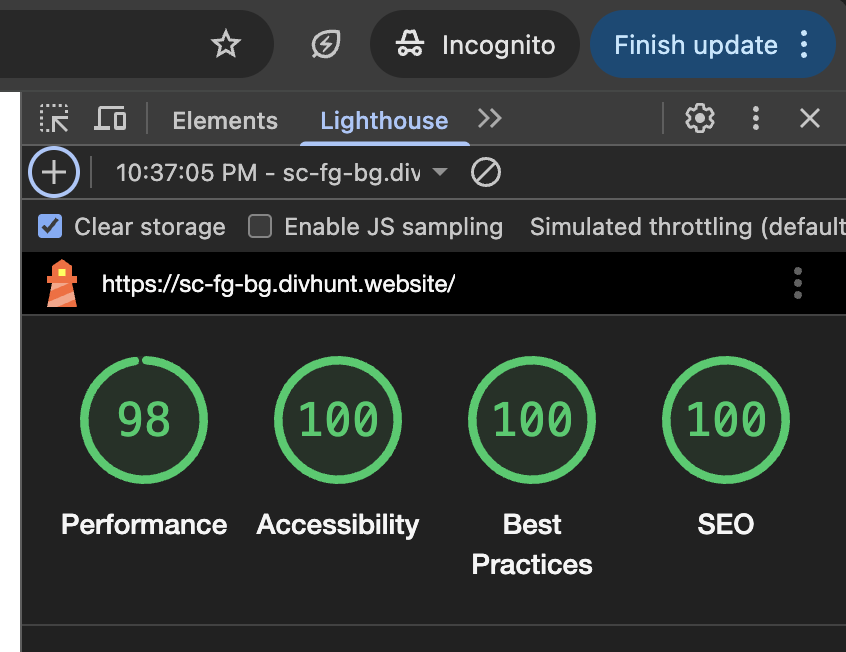
The reason I came across this was because my simple site’s Lighthouse SEO score was low at 50 due to this meta tag. Ran it again in incognito and it was 100.
I boosted my direct bookings a lot once I cleaned up my site structure and worked on proper hotel seo, which helped guests actually find my offers instead of getting pulled to OTAs. It also made my site load faster and feel smoother for visitors so the booking flow got easier. If you’re trying to cut commission costs this might be a solid angle to try
I’d try a full republish and clear both site and browser cache. Also check if any custom code or page‑level overrides are injecting a robots meta that replaces yours.
I’d check if a template-level setting or a global SEO override is forcing that robots tag. Clearing the site’s published cache and republishing often forces the correct meta to show.
I’d try clearing any page-level overrides or templates that might be forcing the robots tag. If nothing’s set there, it’s likely a bug and worth reporting with your publish logs.