Schema section in page settings cutting off my code.
When I paste my schema code it shows fully and I save it. However if I return into the schema section after a short time, it is then being cut off to line 134 and I will require longer than that. Can you please look into this as I would like to have my code set as I saved it for example up to lines 300 or more and in only one section. This affect my google console results as I get Unparsable structured data so would appreciate your help asap.
Hey, I think theres a limit on schema in characters. Can you split it into multiple schemas for now? Until we increase length a bit, to at least ~300 lines
Hi thank you for getting back to me. As stated I just need to copy paste my whole code in only one section and not spend more time splitting all my codes. So if you can increase the limit asap I would really appreciate.
Hi as it been fixed? Please let me know as it is impacting my website
Hi has it been fixed? it has been a week now…
Can you please get this fixed asap
Hi, unforunetenly not that fast, its a limit currently, cant ‘fix’ it instantly. Its not a bug, its just a limit we have right now, and can’t dedicate time on this right now.
For longer schemas for now you can use embed code on top of the page.
Hi embed at the top of each page is not for the header but the body. The schema info must go in the header so this is not the answer. Can you please provide the answer as to where to put the schema for the time being. Please be very precise in you answer
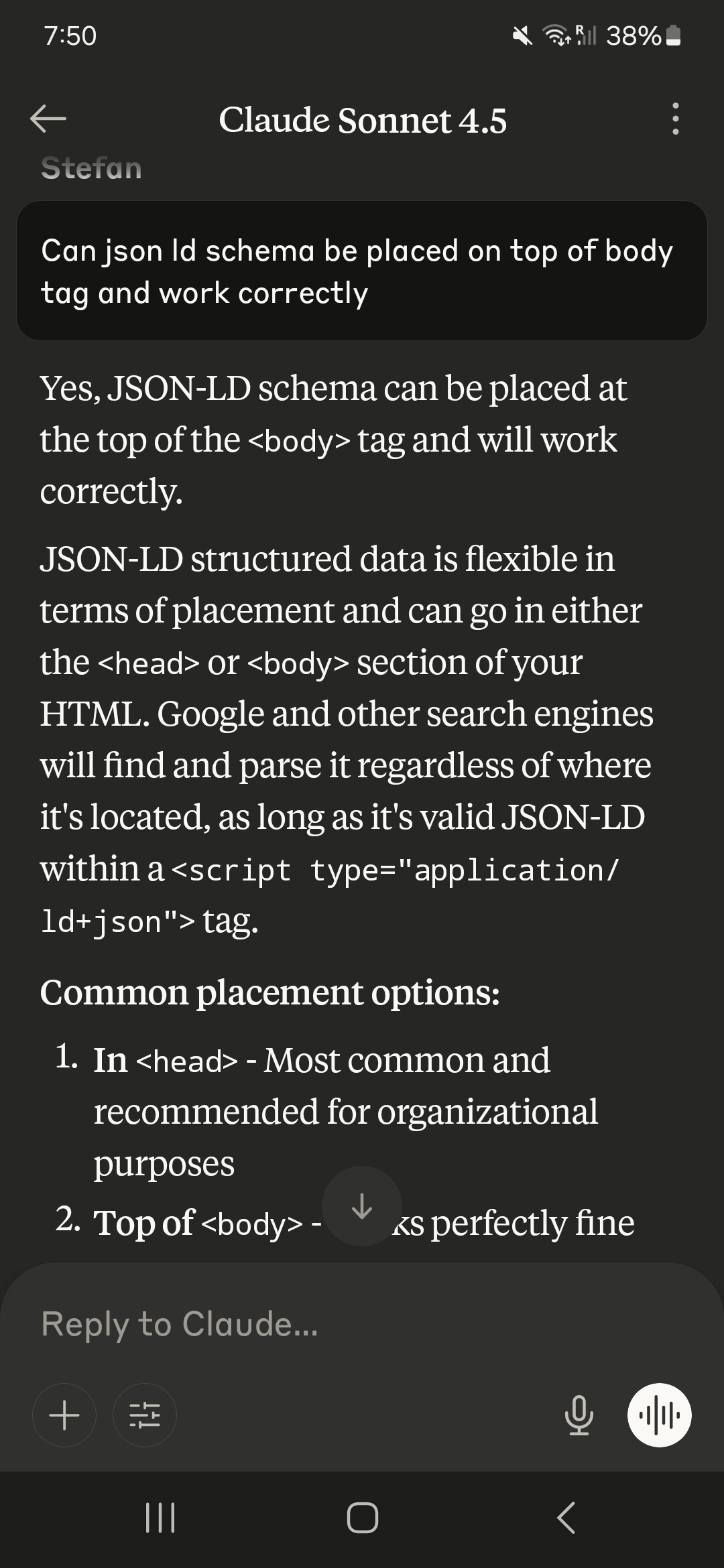
I was doing it like this on page of divhunt website and it works good. Processing: 1000008467.jpg…
thnak you for the info. will try this in the meantime. When is the schema section likely to be fixed?
URGENT - Your idea does not work because when I input the code into the embed ,the exact same code repeat on all the pages and of course it needs to be different. So my question remain the same how to I insert my specific to each page schema code on each page. Please be very specific in your prompt answer. this is impacting my google search result so please provide prompt answer which works until you finally increase the limit on schema lines.


What is your website url? I am pretty sure embed added to only one page is not repeated accross all pages
Well it does on mine which is not logical I agree. Furthermore, I would appreciate a prompt customer service as 6 days to answer is not very good. A product is as good as the customer service.
Summary
Are you adding the code to a page you’ve attached to a collection?
no and I followed your instruction
I didn’t give you any instructions…
The only ways I can think that an embed might be repeated across all pages, as if it’s in a page that gets duplicated for a collection or it’s part of a component.
I can’t seem to replicate your issue when testing on one of my sites. I’ll repeat your query on the Discord to see if anyone has had the same issue and resolved it.
would be great to get this fixed. This would be a non issue if the shema section number of lines was increased. When I say “you” I mean Divhunt as you are all working for Divhunt. Please revert back asap
I don’t work for DivHunt… I’ve just built quite a few sites with their product.
But don’t worry, message received. I’ll stop trying to find a result for you and leave it to the DivHunt team.
So sorry thought you were working for them. I honestly think they have to fix the schema section and increase the section lines. Would not want you to waste your time. I am thinking of changing platform as their customer service is not very good and they not improving which I find very frustrating (venting). Have a nice day.