📢 This forum is no longer actively updated, but we've kept it online as a resource — there's a lot of helpful history here! For new discussions, come join us on
discord!
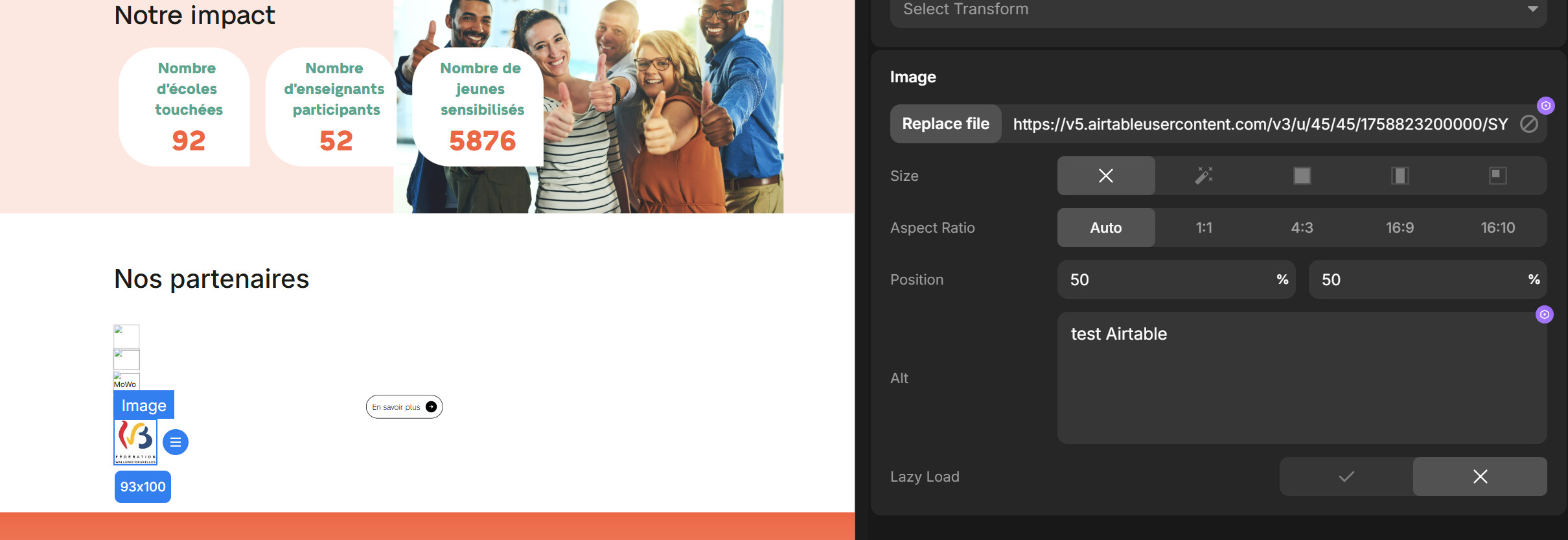
I have connected an AiTable database as REST API source and I am trying to get images attached in the database to replace logos in the website, but although I manage to get the images url, they won’t display in the website (https://step2you.divhunt.website/).
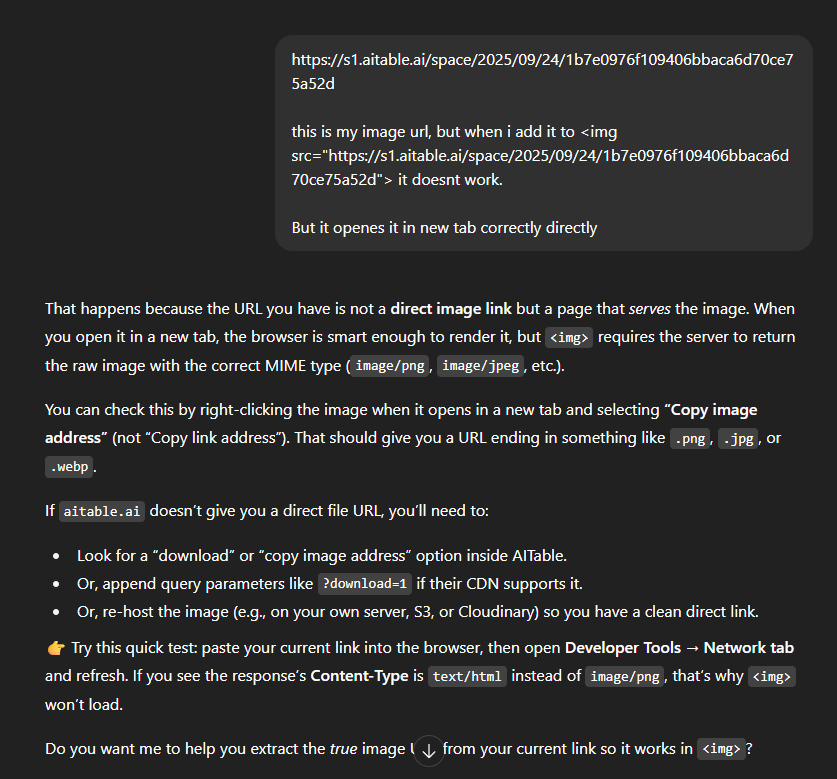
Hi, url returned by AiTable is not good, it can’t show image, so you did everything correctly on Divhunt side, but we need direct img file url by AiTable.
Thank you for the answer.
I have further investigated, and tested similar approach with Airtable, and this time it works, although the url provided by Airtable also does not look like a direct link ending with .jpg or .png
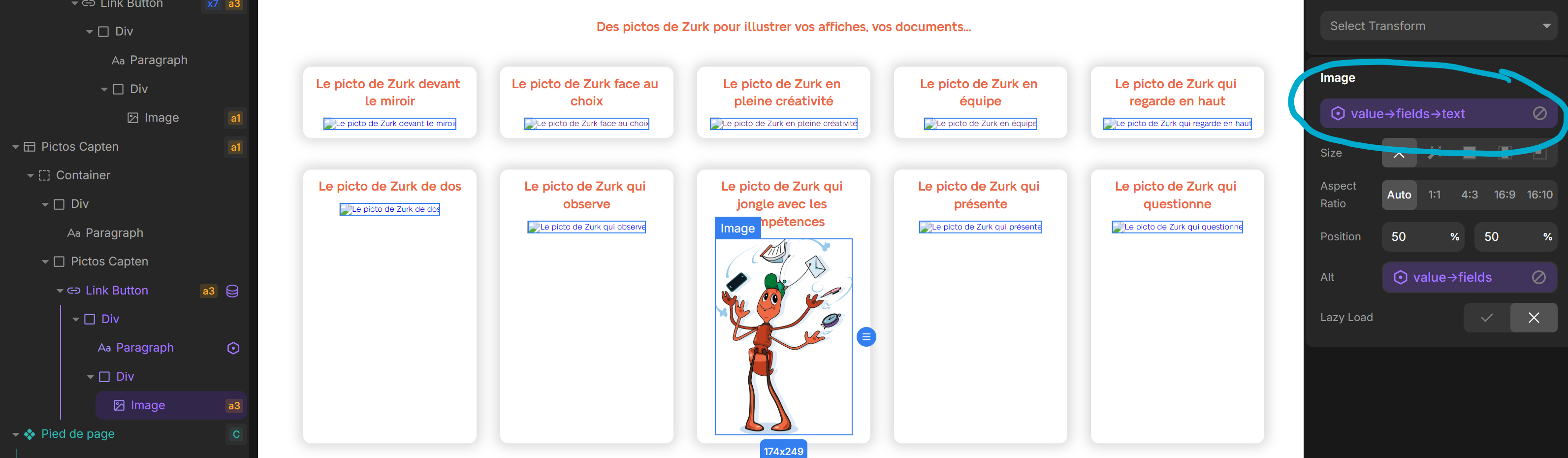
However, weird thing is that the images do not display when I load the page ( Step2you | Je participe à Cap’ten, but they do once I first click on the item which is opening the SharePoint file (each card is clickable to allow users to download the picture).
This means that when a user opens the page first time, no pictures are displayed.
How can I achieve that pictures get displayed right away ?